Read every line.
Then match it.
Upload a bill of quantities, an FF&E schedule or a written brief. The tool reads each line, you check it, and it is matched to pieces from our collection — then the studio reviews it.
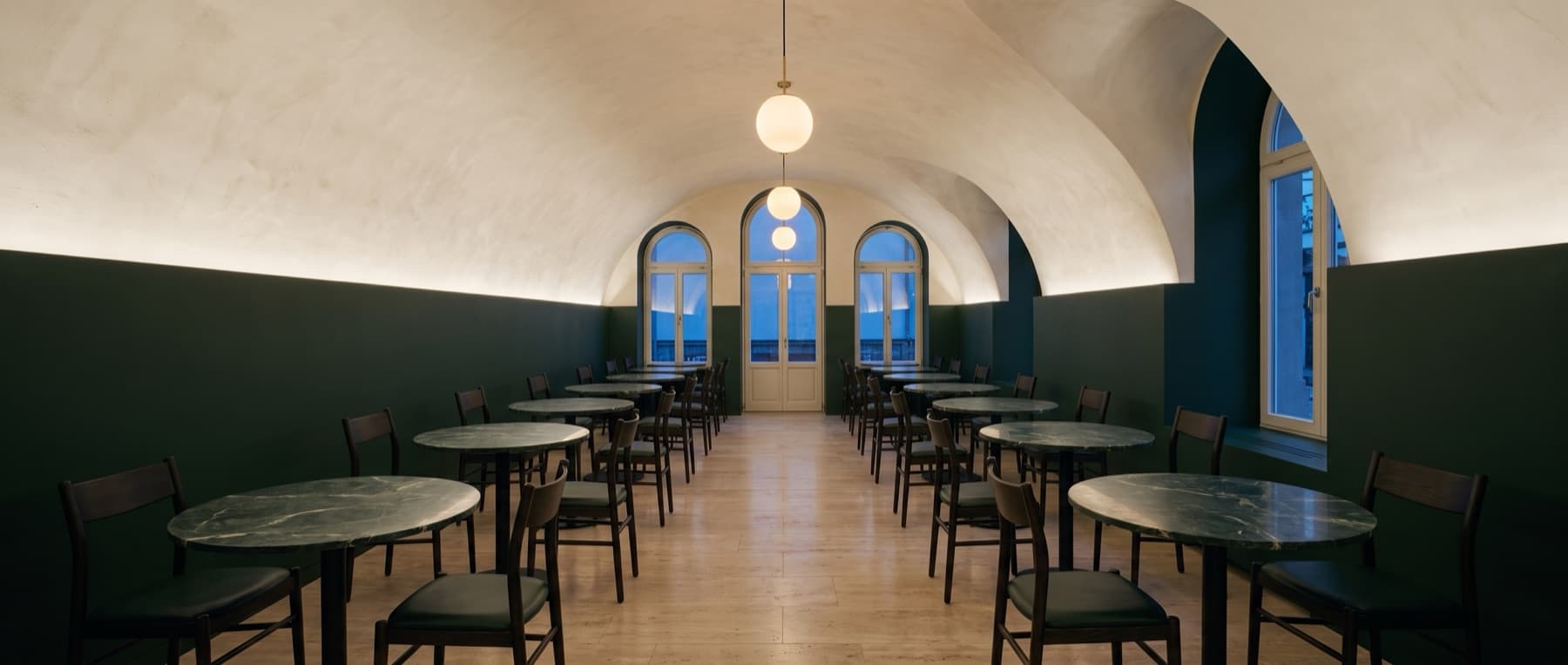
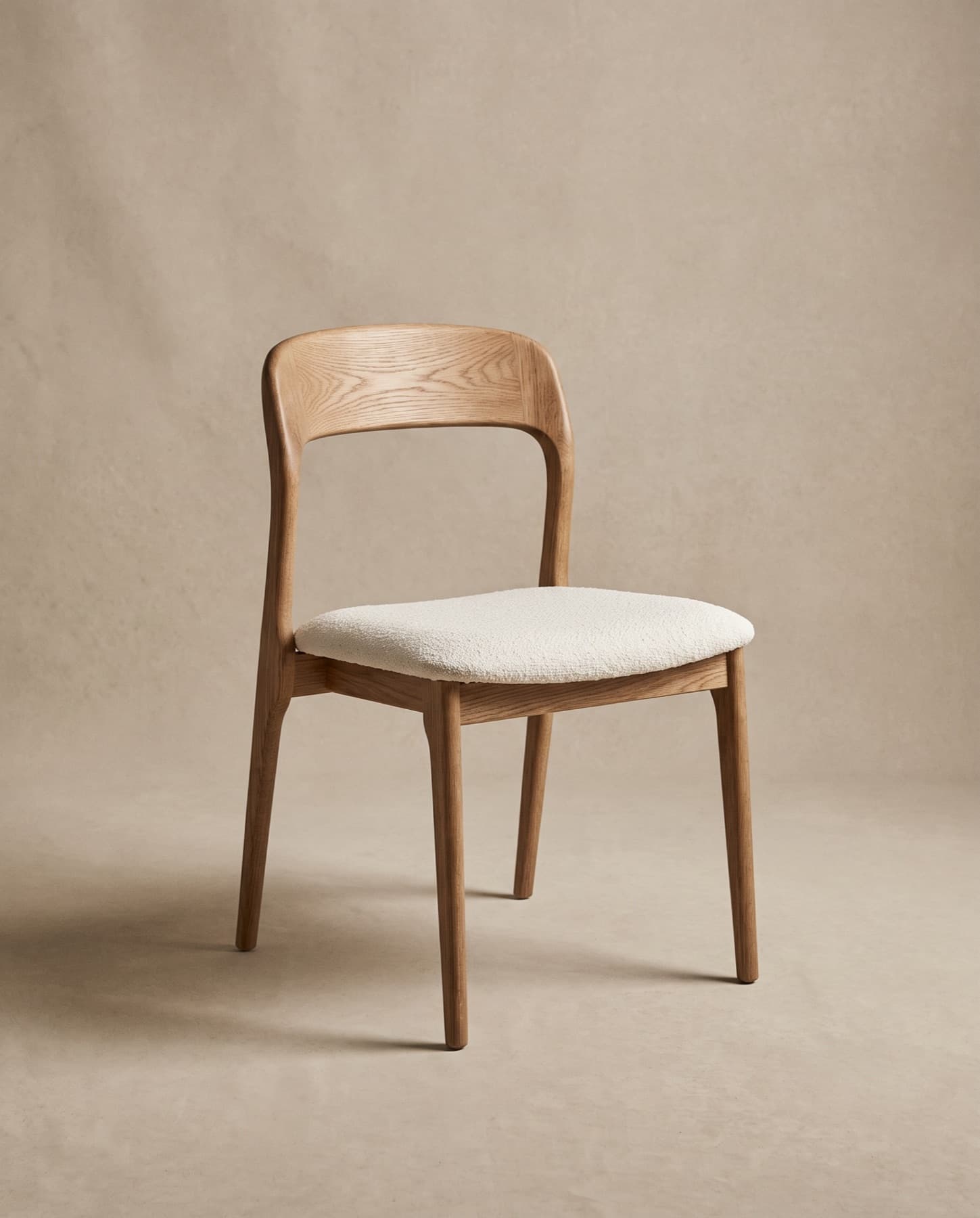
From a schedule
to a checked list.
The tool reads a document the way a project manager would — line by line, keeping track of where each item came from.
- 01
Read
AI-assistedEvery page, sheet and row, including scanned pages and photos of printed schedules.
- 02
Extract
AI-assistedItem descriptions and codes, quantities and units, sizes, materials and finishes, and the area each item belongs to.
- 03
Check
YouYou review the lines in an editable table. Anything the tool was unsure of is flagged for you, not guessed.
- 04
Match
AI-assistedEach line is matched to our collection: a best match, alternatives, a bespoke route — or no match.
- 05
Review
Our studioSend it to the studio. A person checks the schedule and comes back with questions, samples and a quotation.
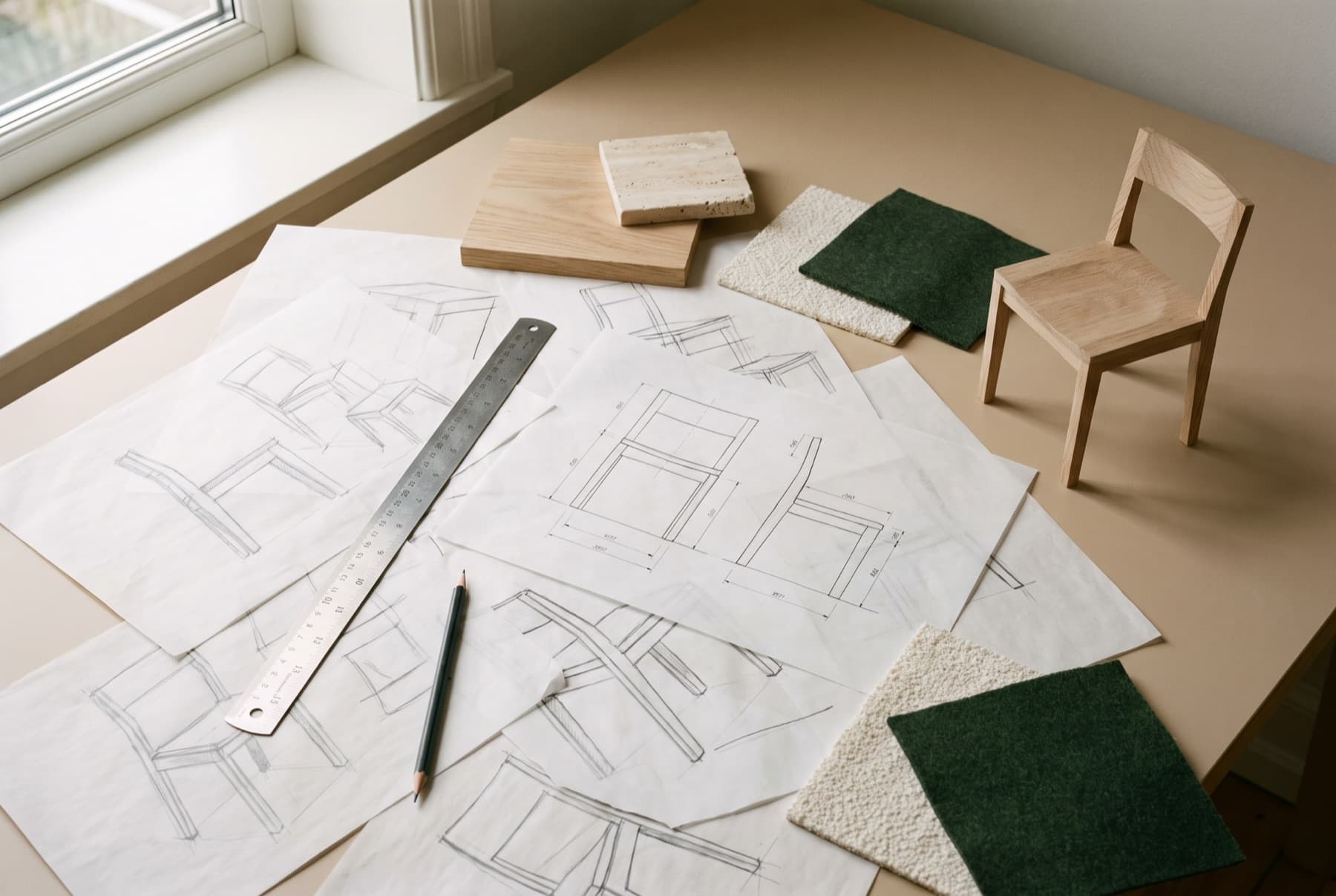
Whatever the
schedule is in.
One BOQ can span several files. Send what you have — office documents, spreadsheets and photos of printed pages are all read.
- File size
- Up to 25 MB each
- Pages read
- Up to 40 per document
- Documents
- Up to 20 per project
Password-protected files, macros and embedded scripts are never opened. Remove the password and upload the file again.
- SpreadsheetsFormats: XLSX · XLS · CSVBOQs and FF&E schedules — sheet and row references are kept with every line.
- DocumentsFormats: PDF · DOCX · DOC · TXT · RTFSpecifications, briefs and schedules.
- Photos or scansFormats: JPG · PNG · WEBP · HEICPrinted pages, photographed flat and in good light.
- A written briefA few lines about the project are enough to begin.
A schedule you can
check, line by line.
Each line keeps its source. Each suggestion shows the facts behind it.
- A-12
Dining chair, upholstered seat
- Quantity
- 120 pcs
- Size
- W 480 × D 530 × H 790 mm
- Material
- Oak frame, bouclé seat
Restaurant · Sheet 1 · row 14
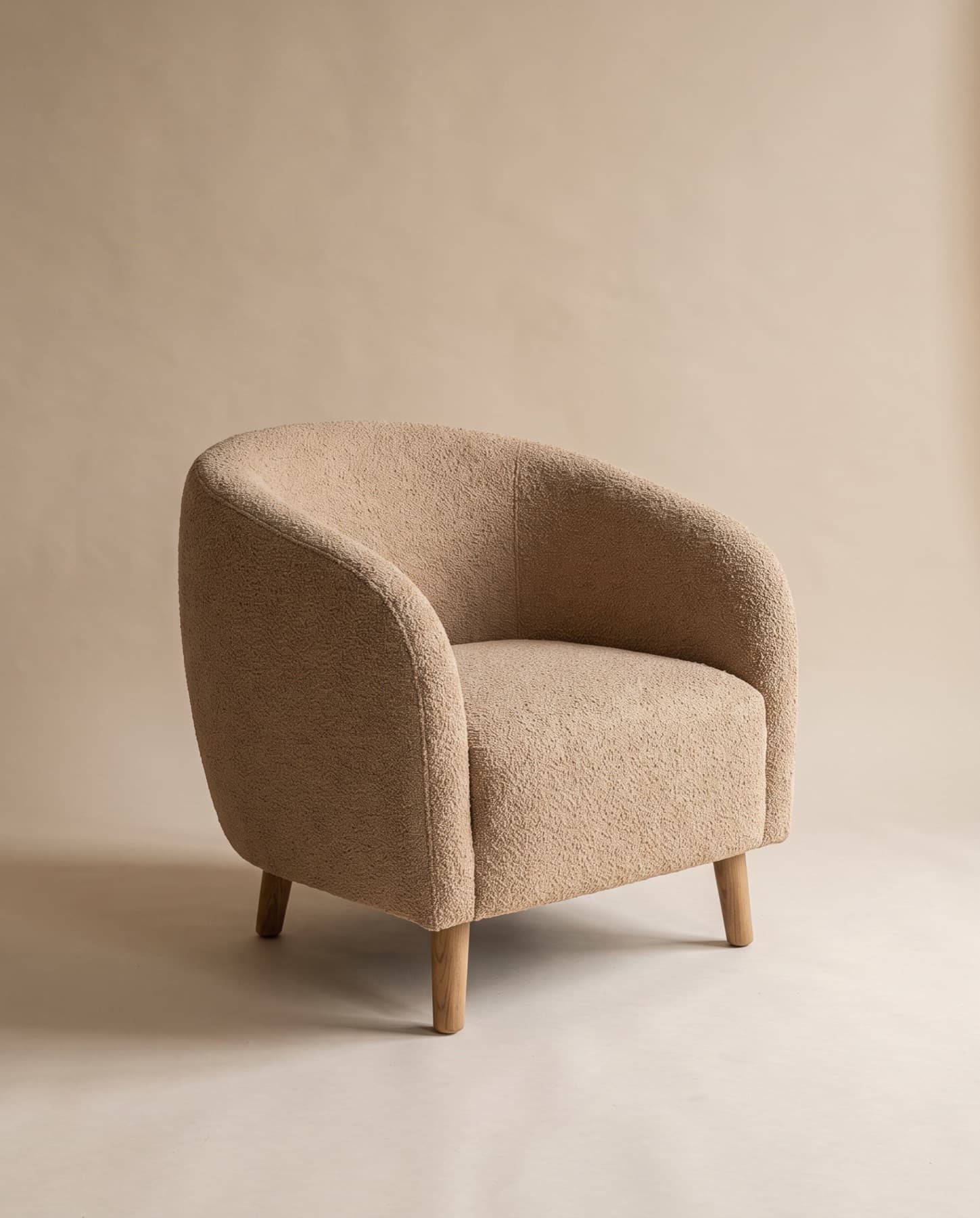
Best matchSolid oak · Ivory bouclé
- Width
- Matches · 480 mm
- Depth
- Matches · 530 mm
- Height
- Matches · 790 mm
Also suggested - A-19
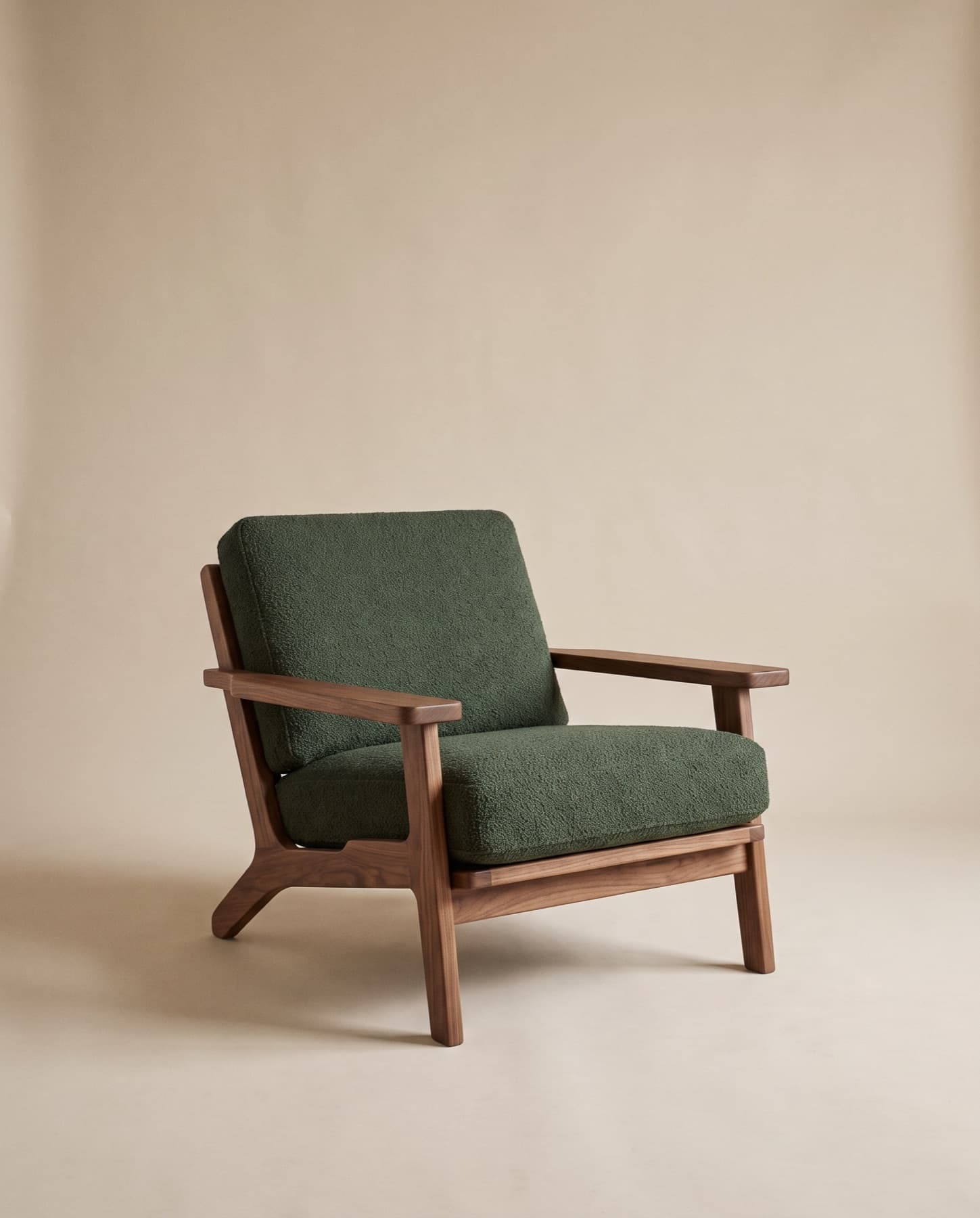
Lounge chair, low and deep
- Quantity
- 30 pcs
- Size
- W 750 × D 800 mm
- Material
- Timber frame, wool upholstery
Lobby · Sheet 1 · row 22
Best matchWalnut · Forest wool
- Width
- Matches · 720 mm
- Depth
- Matches · 800 mm
Also suggested - B-03
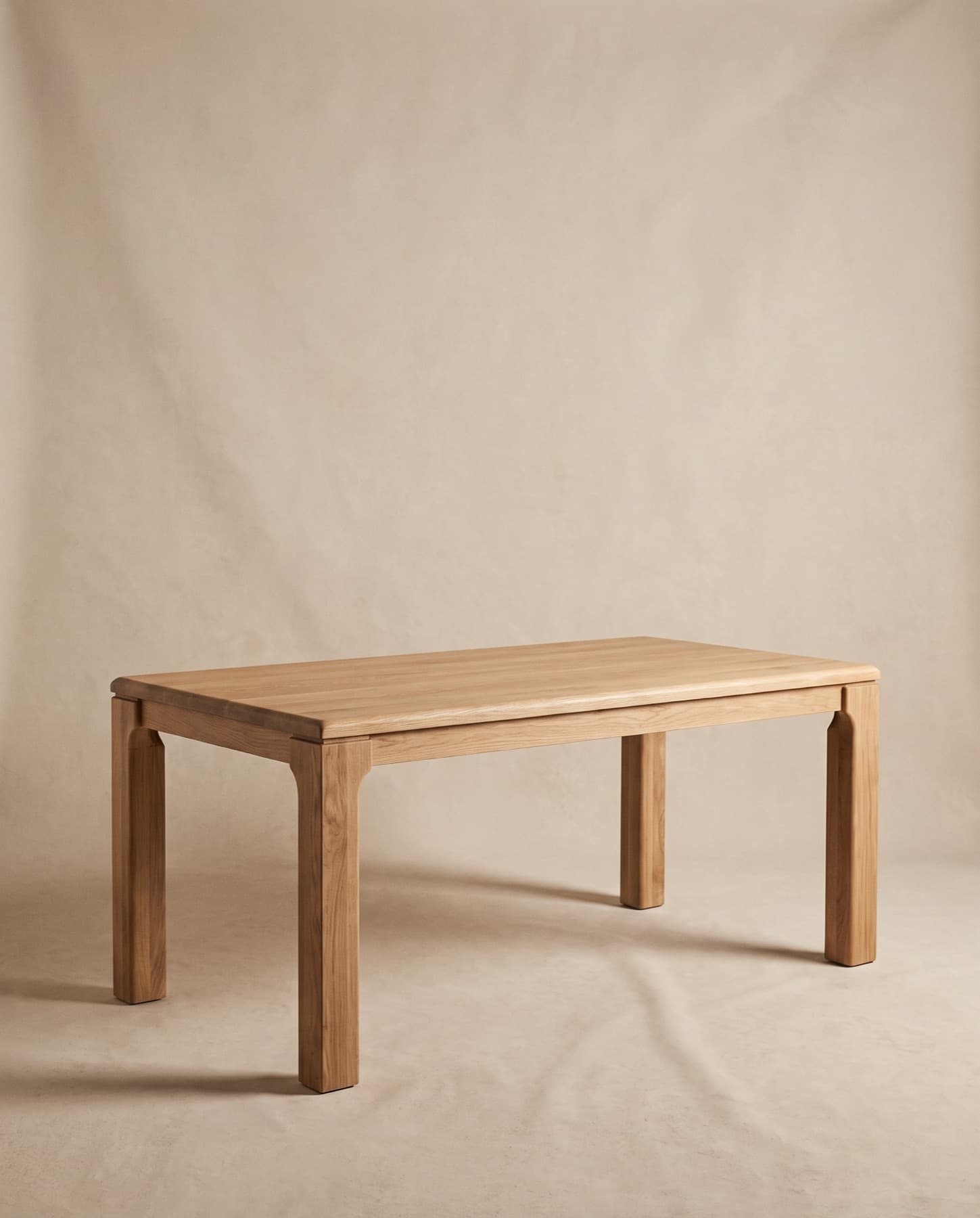
Dining table for ten
- Quantity
- 4 pcs
- Size
- W 3000 × D 1100 × H 750 mm
- Material
- Solid oak
Private dining · Sheet 2 · row 5
Bespoke — based onSolid oak
What would change- Width
- 2200 → 3000 mm
- Depth
- 1000 → 1100 mm
Made longer and wider in Natural Oak 014. The studio confirms the structure before quoting.
View pieceCustom sizes available - C-07
Reception desk, curved front
- Quantity
- 1 pc
- Size
- W 3600 mm
- Material
- Travertine and oak
Lobby · Page 3
No match in the collectionWe don’t make reception desks as standard. The studio can develop one as a bespoke piece.
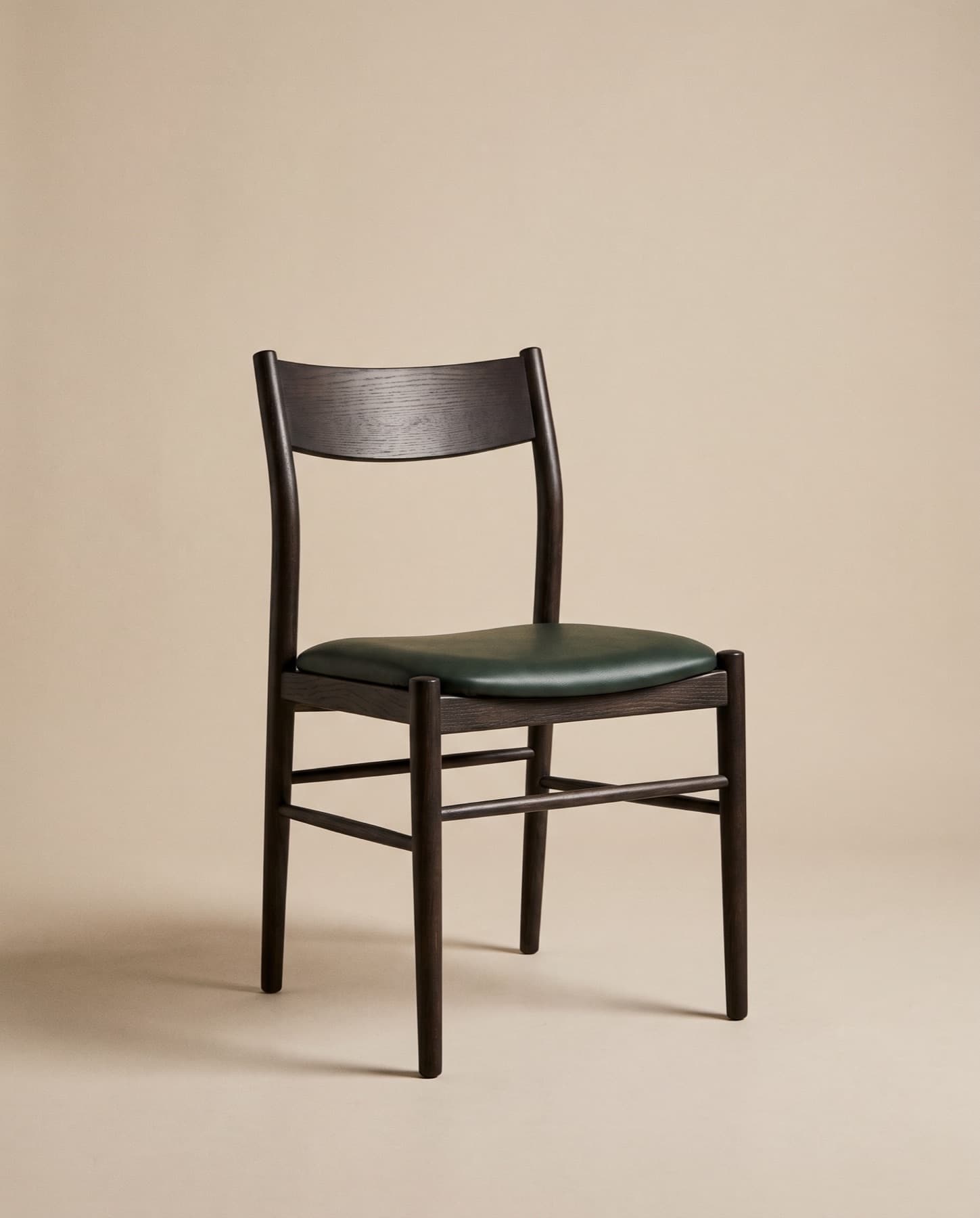
An interpretation,
not a specification.
The tool saves hours of reading. It does not replace the people who quote and make your furniture.
- 01
Every line shows its source
The sheet, row or page is kept with each item, so any line can be traced back to your document.
- 02
Uncertain items are flagged
Quantities, sizes or materials that could not be read clearly are marked for you to check — never filled in by guesswork.
- 03
Only our collection is matched
Suggestions are pieces we make. If nothing fits, the line says so and can go to the studio as a bespoke request.
- 04
No prices or lead times
Pricing, lead times and minimum quantities come with the studio’s quotation, not from the tool.
- 05
Your documents stay private
Files are stored privately with your project and are never published. You can delete them at any time.
Analyse your
requirement.
Create a project, upload your BOQ and check the lines when they are ready — we email you if you have left the page. Prefer a person? The studio can review it directly.