Sketch an idea.
See four ways.
Start from a piece in our collection, a concept starter or your own sketch. Describe what should change and get four AI concepts — a starting point for the studio, not a drawing.
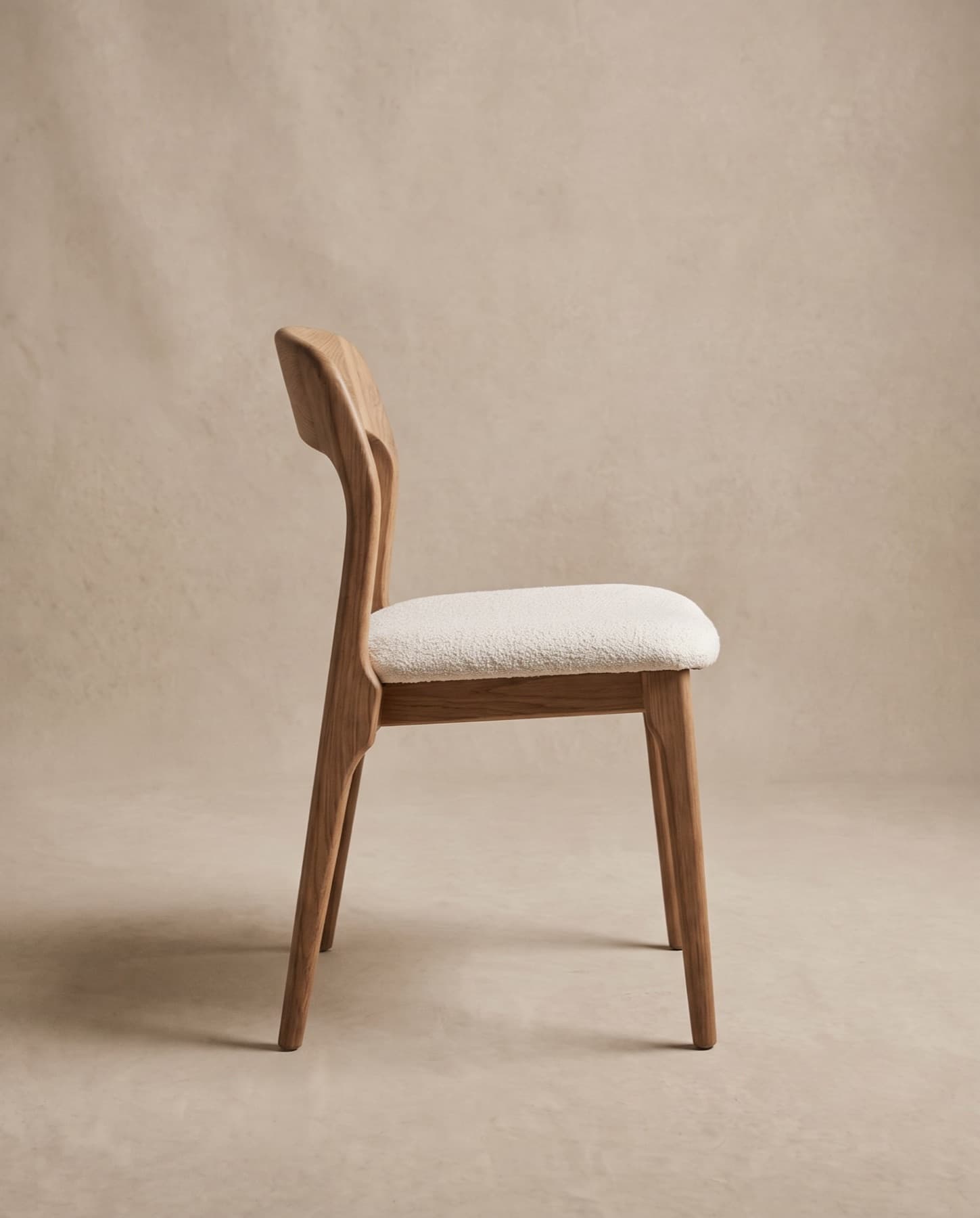
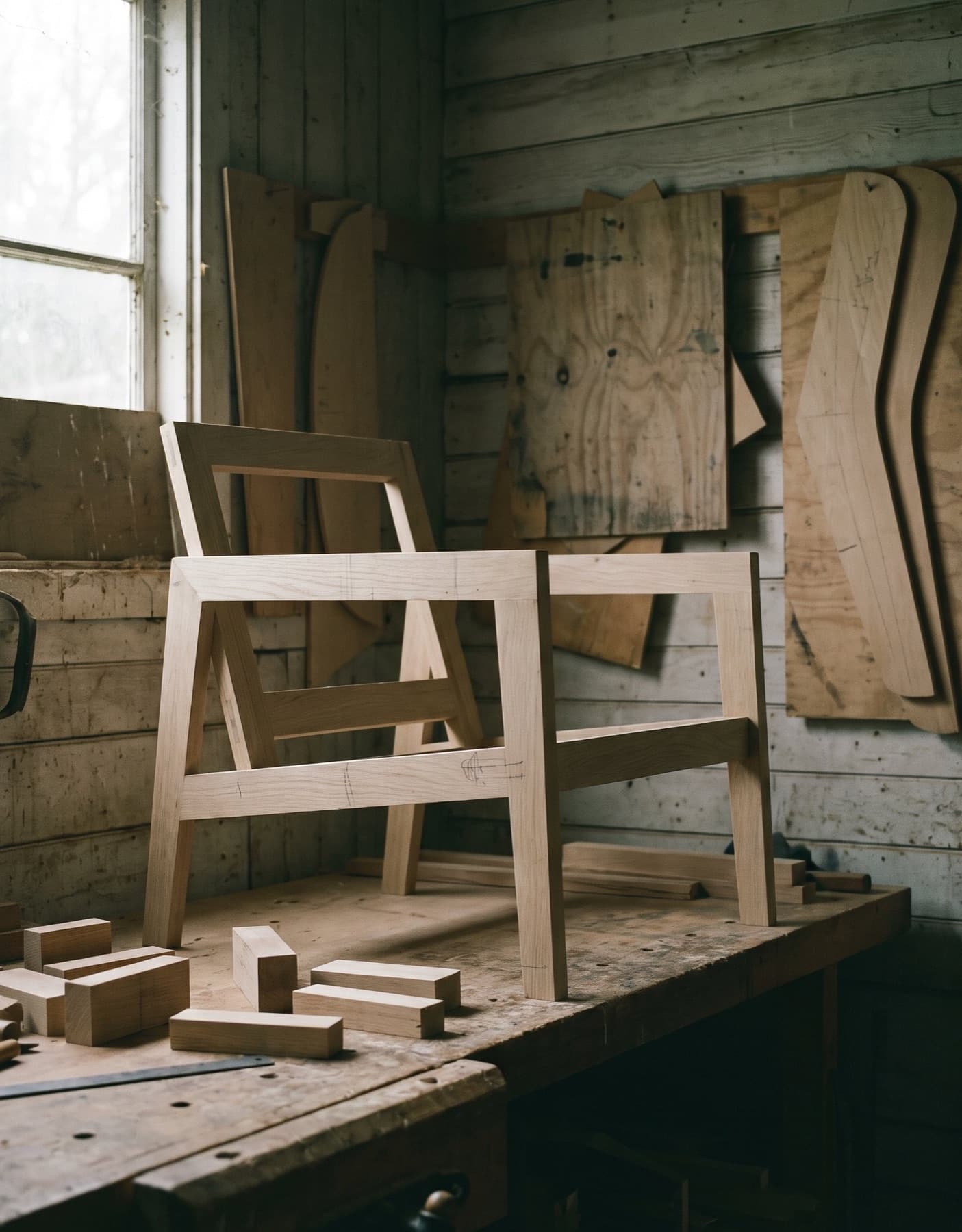
From a starting point
to four options.
A concept is a way to talk about a piece before anyone draws it. The studio turns the one you choose into drawings and samples.
- 01
Choose a starting point
YouA piece from the collection, a concept starter, or your own sketch or reference image.
- 02
Describe the change
YouMaterial, colour, base, back, arms and placement — or a sentence in your own words.
- 03
Get four options
AI-assistedFour AI concepts, labelled A to D, each marked as an AI concept.
- 04
Refine
AI-assistedAsk for variations of the one you like, or adjust the brief and try again.
- 05
Request technical feasibility
Our studioSend the concept to the studio. A designer checks how it could be made, then draws, samples and quotes it.
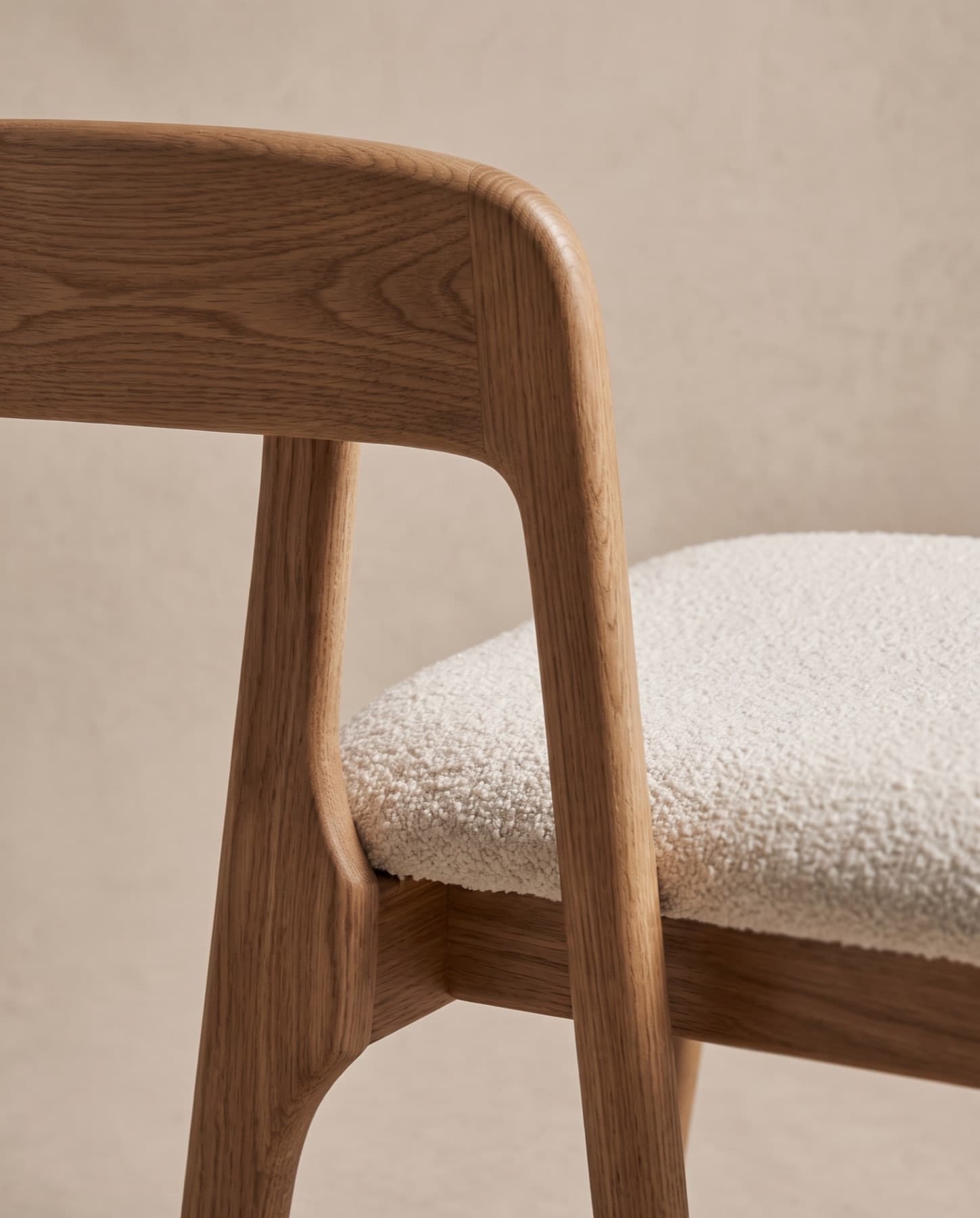
A piece, a sketch
or a reference.
Uploading is optional — a concept starter or a piece from the collection is enough to begin.
- File size
- Up to 25 MB each
- Options
- 4 per set
- Images
- Up to 60 per project
You confirm you may share the images before they upload. Location data is removed before any image is read.
- A sketchFormats: JPG · PNG · WEBP · HEICPencil on paper is fine — photograph it flat.
- Reference imagesFormats: JPG · PNG · WEBP · HEICPieces, details or materials you admire.
- A piece from the collectionChoose it in the tool, as the piece to vary.
- A few wordsDescribe the change — “a wider seat in forest wool”.
Four concepts
to react to.
Every option is labelled AI concept and kept in your private project.
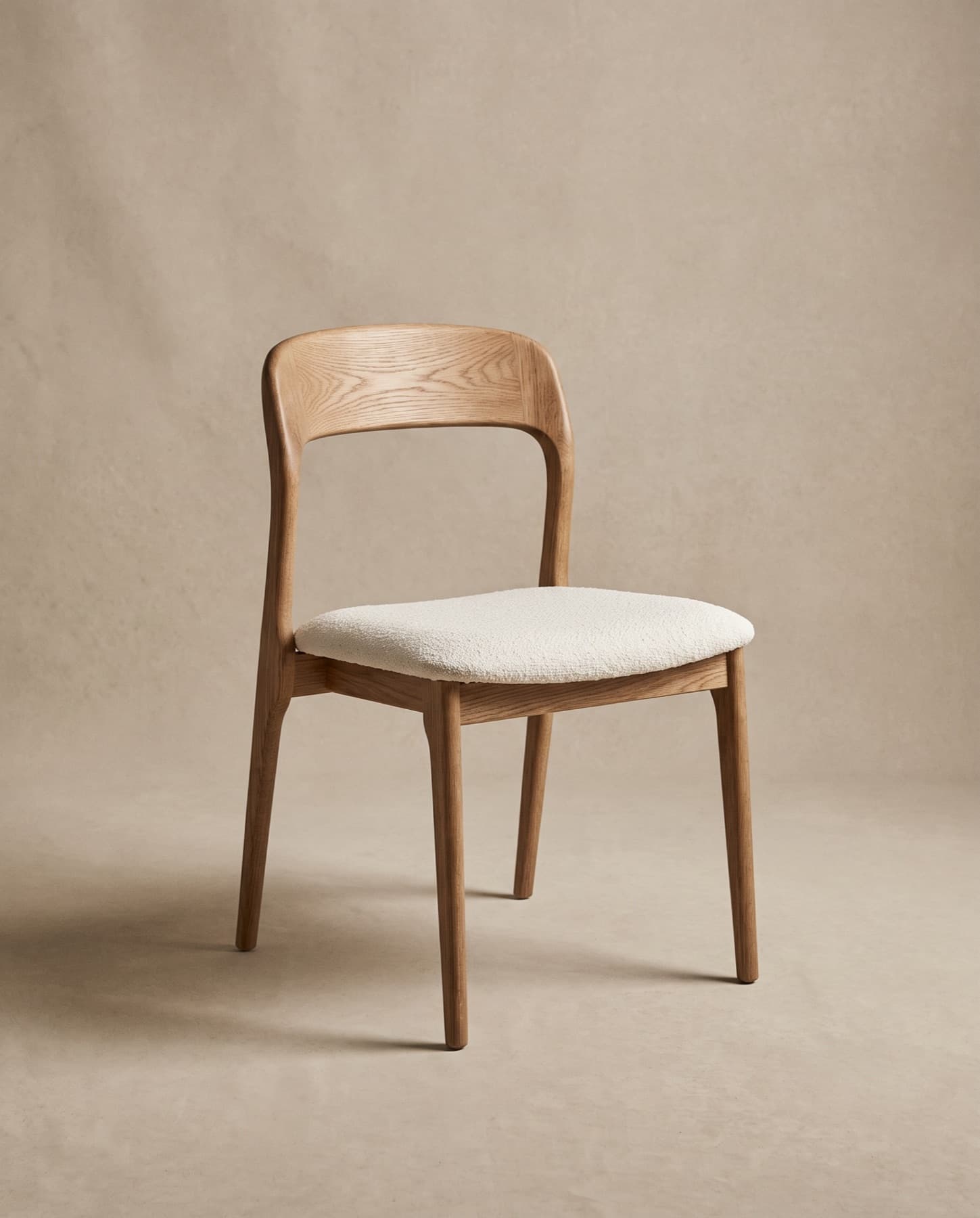

- Seat
- Forest Wool 042
- Frame
- Smoked Oak 015
- Back
- A little taller, same curve
- Placement
- Indoor, restaurant
- AAI concept
- BAI concept
- CAI concept
- DAI concept
Options A to D appear inside your project. None is shown on this page.
Illustration: an example brief built from a real piece and library materials. No concept images are shown here.
Or begin from a concept starter
- A light, armless dining chair with a timber frame and an upholstered seat.Minimal Dining ChairDining chair
- A low, deep lounge chair with an open timber frame and loose cushions.Luxury Lounge ChairLounge chair
- A rounded armchair formed as one continuous curve of upholstery.Sculptural ArmchairArmchair
- A long, low sofa on a recessed plinth, generous enough for a lobby.Hotel Lobby SofaSofa
- A timber bar stool with a round leather seat, a low back and a footrest.Contemporary Bar StoolBar stool
- A teak dining armchair with a seat and back woven in outdoor rope.Outdoor Dining Chair
- A high-backed swivel lounge chair with wings, for lobbies and private offices.Executive LoungeLounge chair
- A straight, made-to-measure banquette with a channelled back on a plinth.Banquette
- A low table with a thick stone top on a recessed block base.Coffee Table
- A solid timber dining table with deep legs set in from the corners.Dining Table
- A compact bedside table with a drawer and an open shelf.Bedside Table
- A slim console with a stone top on a light timber frame.ConsoleConsole table
An idea first,
then a drawing.
Concepts help a conversation start. The studio decides, with you, what can be made.
- 01
A concept is not a specification
An AI concept shows an idea. It is not a manufacturing drawing, and it is not engineered or certified.
- 02
Proportions are indicative
Sizes and details in a concept are approximate until the studio draws the piece.
- 03
Feasibility comes first
Request technical feasibility and a designer checks how the piece could be made, in which materials, and what would change.
- 04
Your concepts stay private
Concepts are kept in your project and are never published.
Create a
concept.
Start from a piece, a starter or a sketch. When one of the four is close, send it to the studio for technical feasibility.